
Santan Smarthome Automation Pros
Voice Control & Whole-Home Automation Setup in San Tan Valley, AZ
Voice control and whole-home automation setup in San Tan Valley, AZ. Alexa and Google-class integration with free estimates.
- 15+ Years local experience
- 500+ Projects completed
- Licensed & Insured
Serving San Tan Valley and nearby communities.
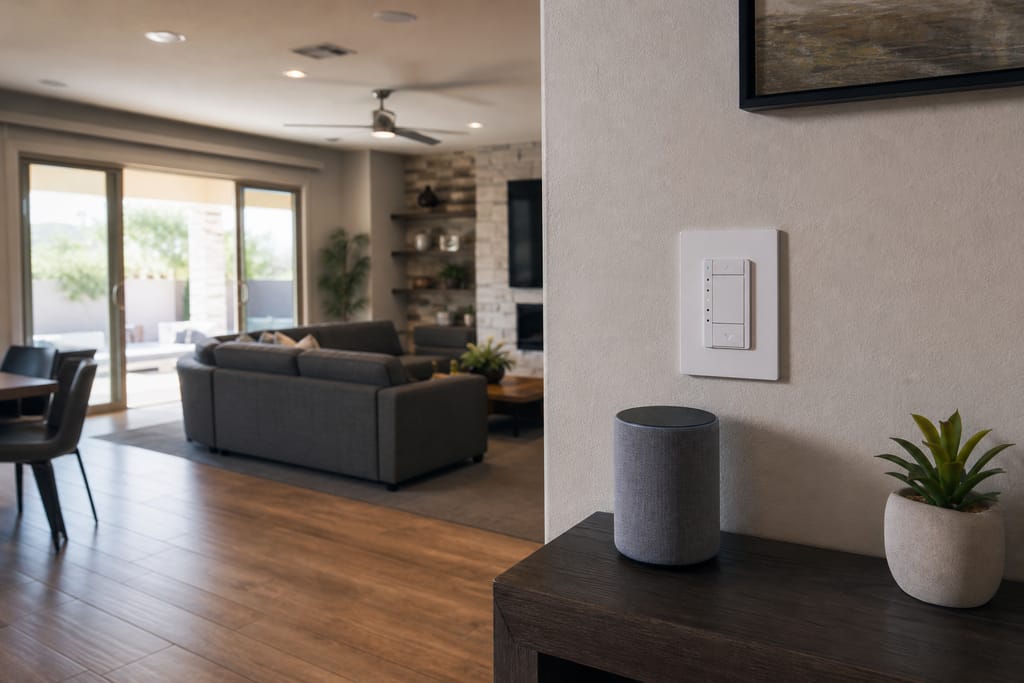
San Tan Valley's tech-literate homeowner base tends to already have a smart speaker or two before calling us, which is exactly where Voice Control & Whole-Home Automation Setup picks up. This service links every paired device in the house to a single voice platform and builds custom commands and routines, rather than leaving voice control stuck in whichever room has the one speaker.
Santan Smarthome Automation Pros treats voice coverage as a room-by-room problem, not a one-speaker-fits-all assumption, which is why placement and room-by-room testing matter as much as the hub programming itself.
What's included
What's included with Voice Control & Whole-Home Automation Setup
Typically included: Voice platform selection, speaker placement, device linking, custom command programming, and room-by-room testing.
Optional: Wall-mounted manual backup controllers, additional microphone arrays for larger rooms.
Customer prep: Let us know which voice platform (if any) you already use, and which rooms currently have dead spots for voice recognition.
Want a clearer scope?
Get a Free EstimateHow it works
How our Voice Control & Whole-Home Automation Setup process works
 Step 1
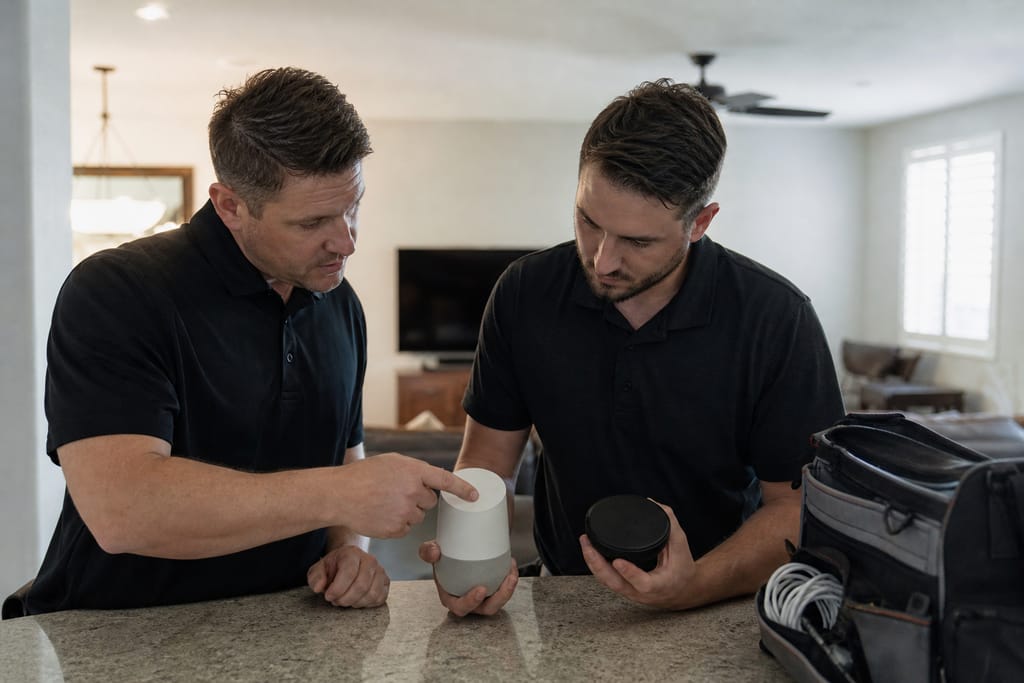
Voice Assistant Selection
The right voice platform is chosen based on household preferences and devices.
 Step 2
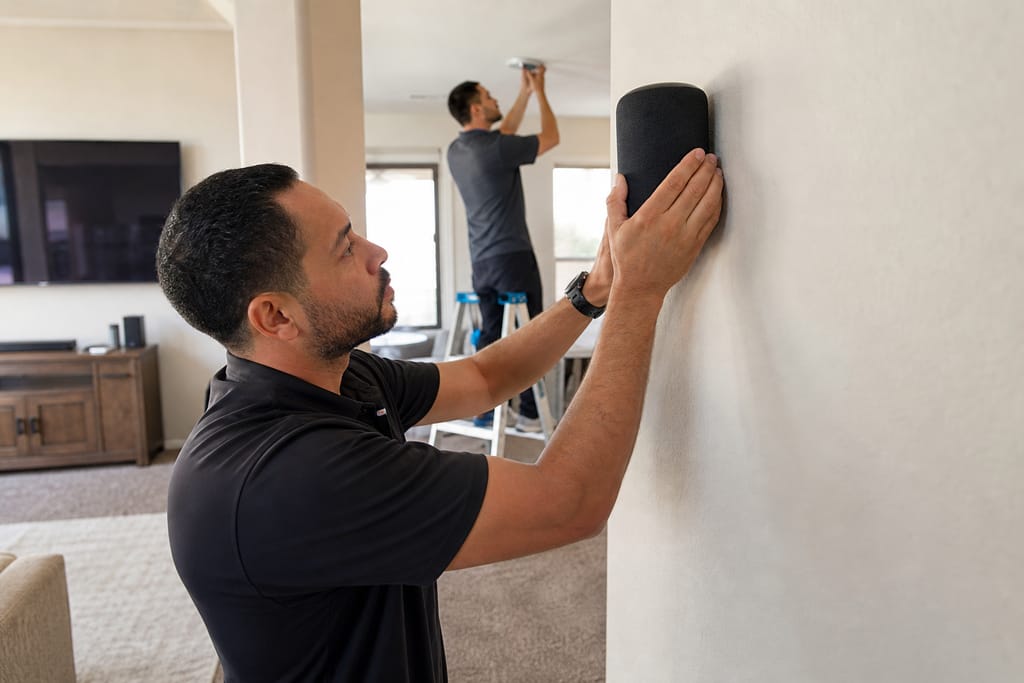
Speaker Placement
Voice-enabled speakers are positioned for optimal coverage throughout the home.
 Step 3
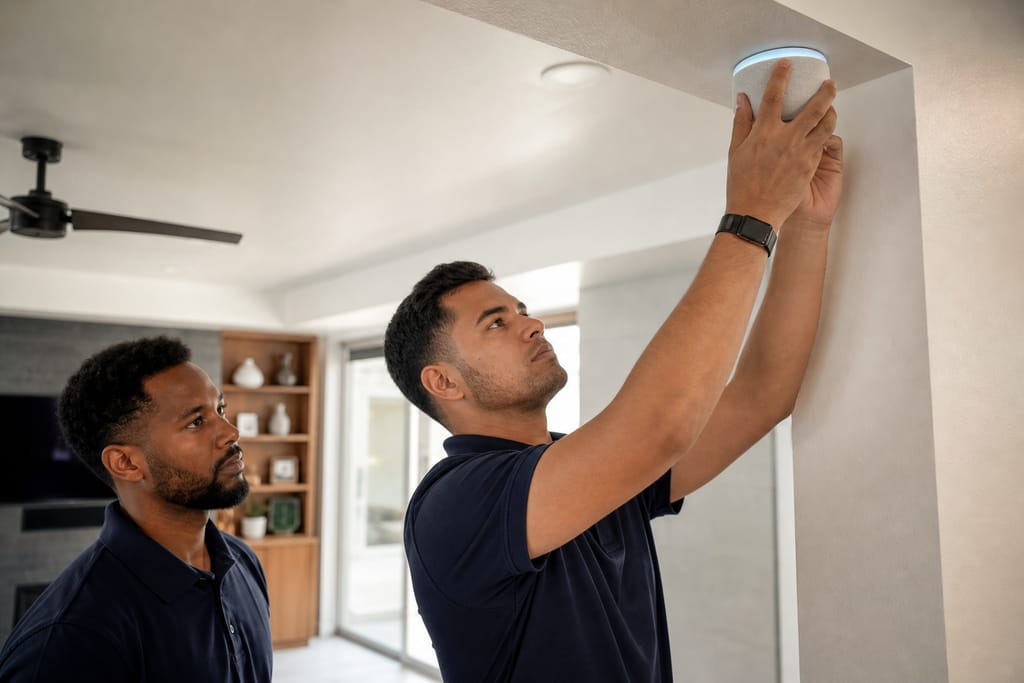
Device Linking
Existing smart devices are connected to the chosen voice assistant platform.
 Step 4
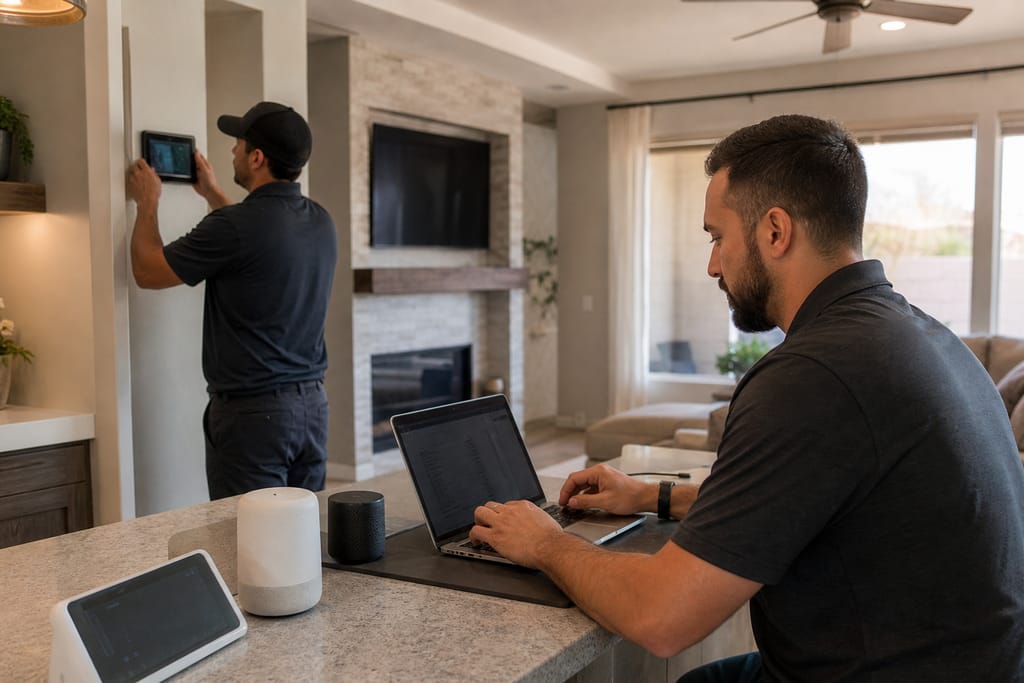
Command Programming
Custom voice commands and routines are created for everyday convenience.
 Step 5
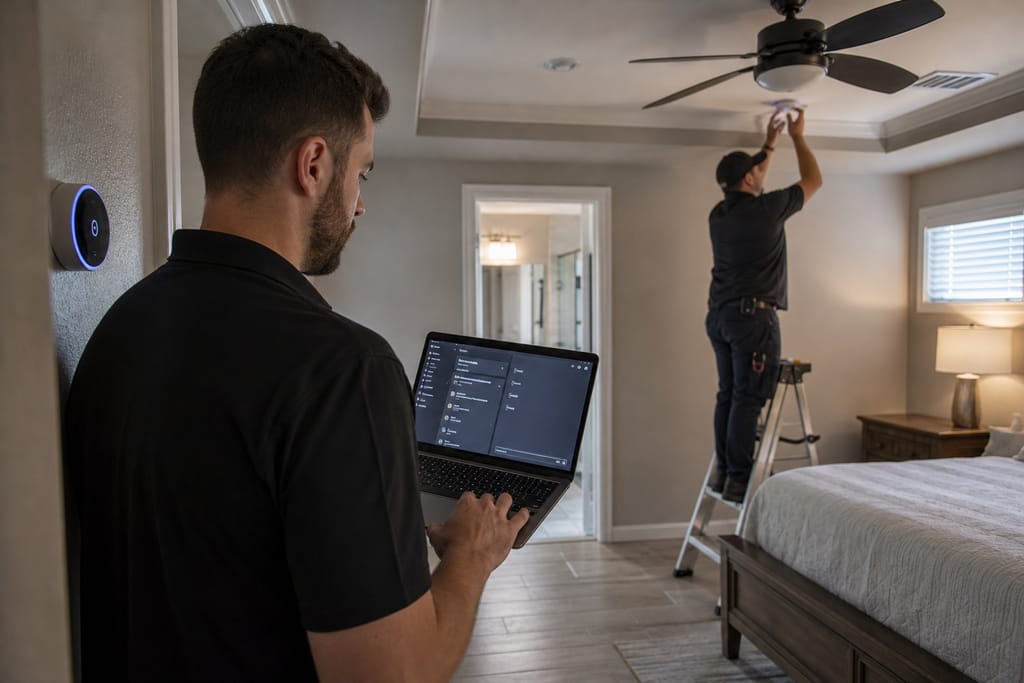
Room-by-Room Testing
Voice recognition and response are tested in every connected area.
 Step 6
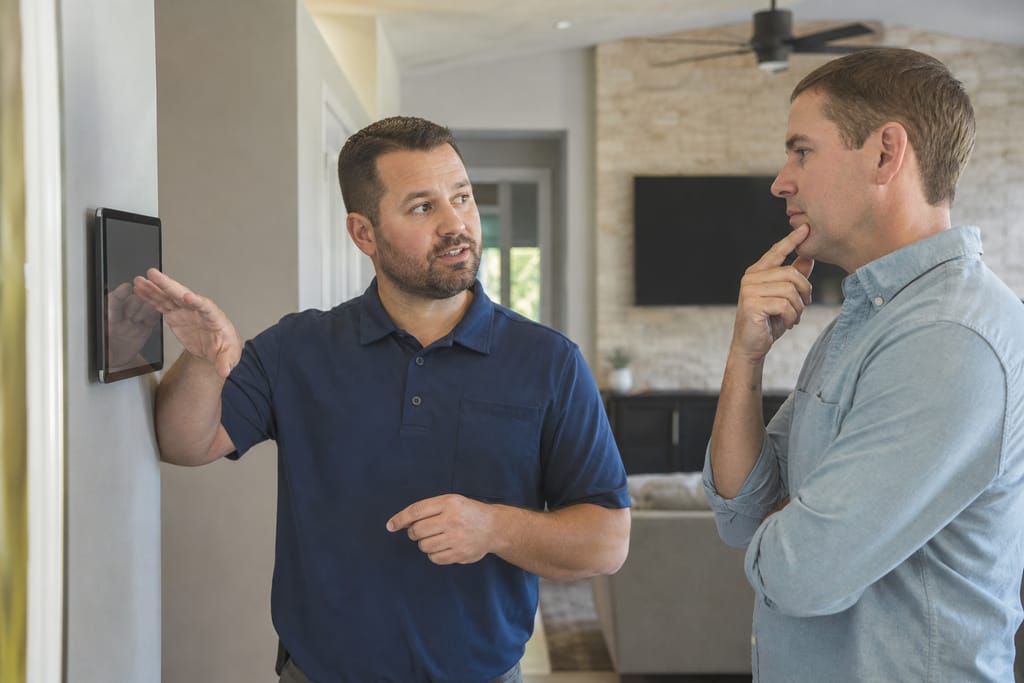
User Training
Residents are shown how to use voice commands effectively across the system.
Materials
Materials and methods for Voice Control & Whole-Home Automation Setup
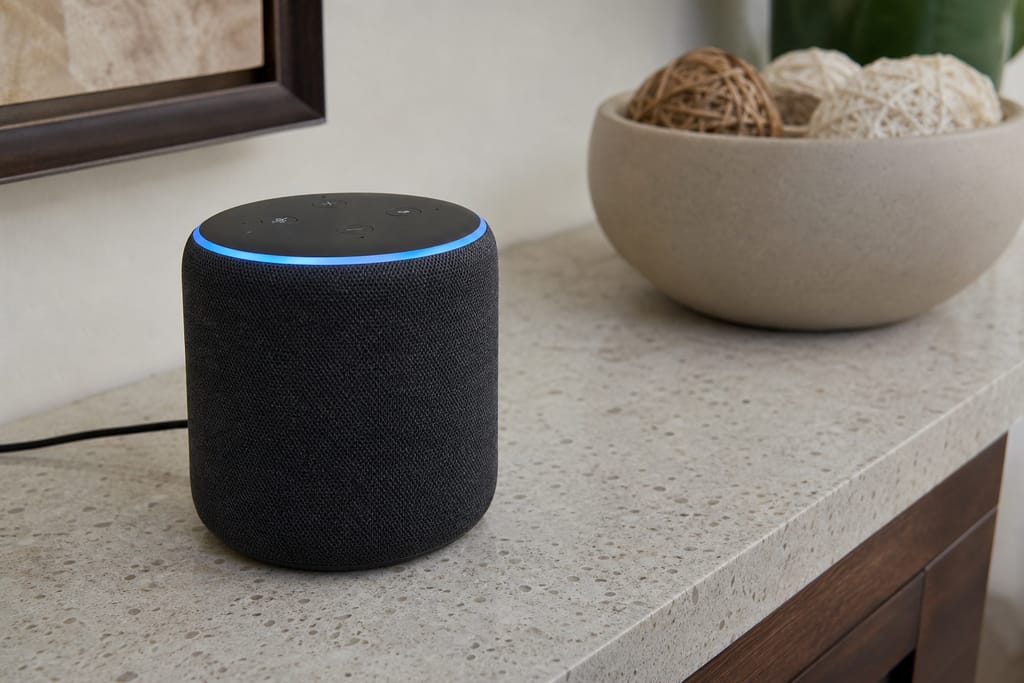
Smart Speakers
Voice-activated devices serve as control points for connected home systems throughout the house.
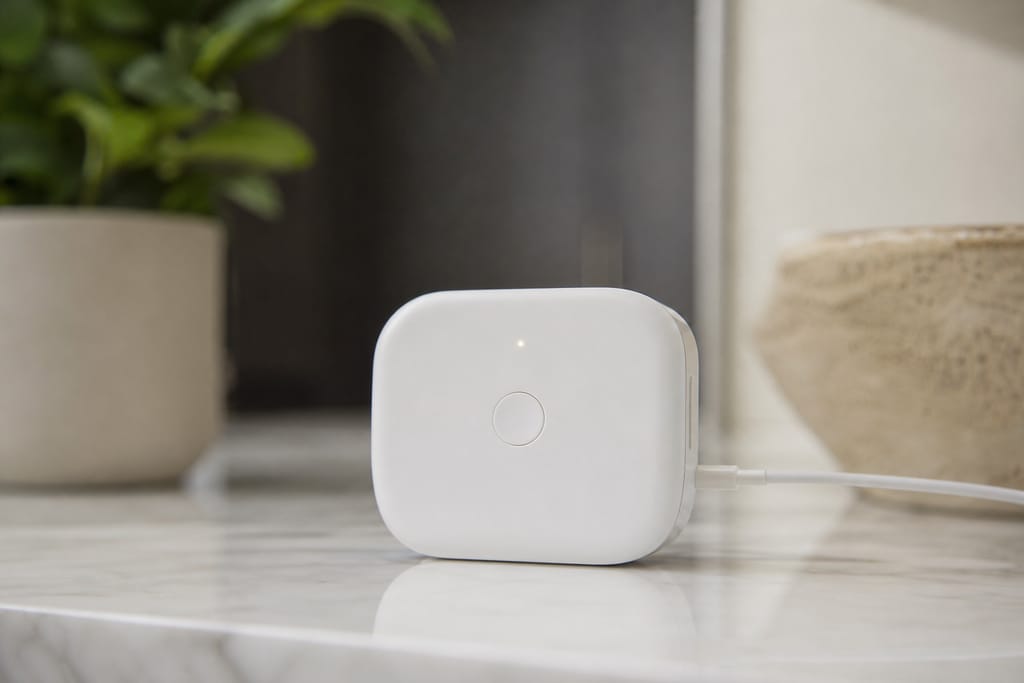
Voice Hub Bridge
Connects non-compatible devices to the voice assistant ecosystem when direct integration isn't available.
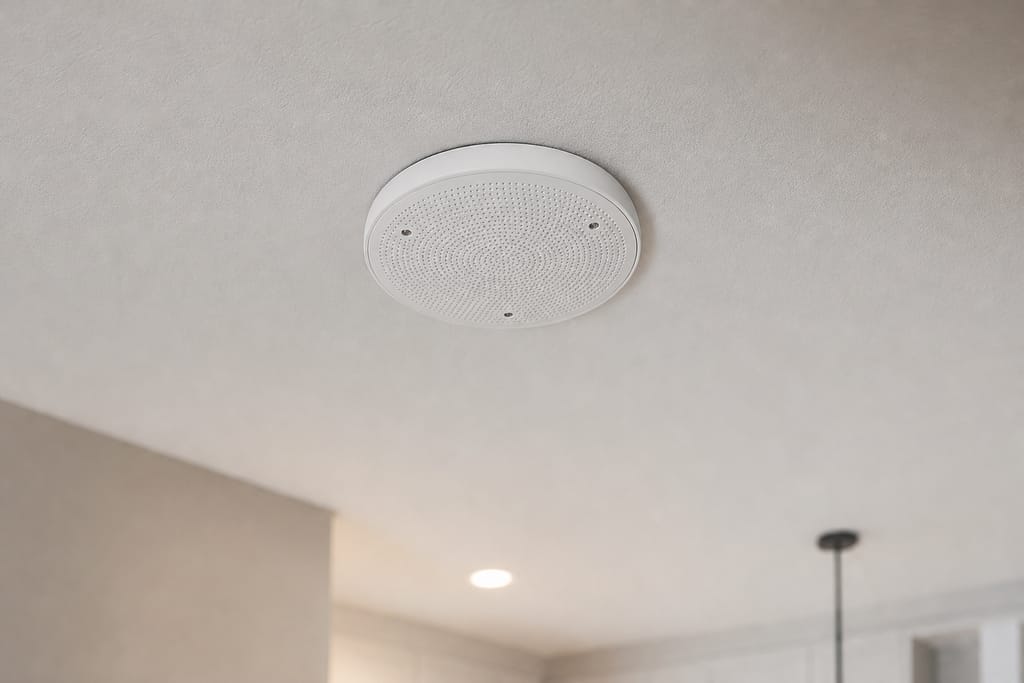
Microphone Arrays
Improve voice recognition accuracy in larger rooms or open-concept layouts common in newer San Tan Valley builds.
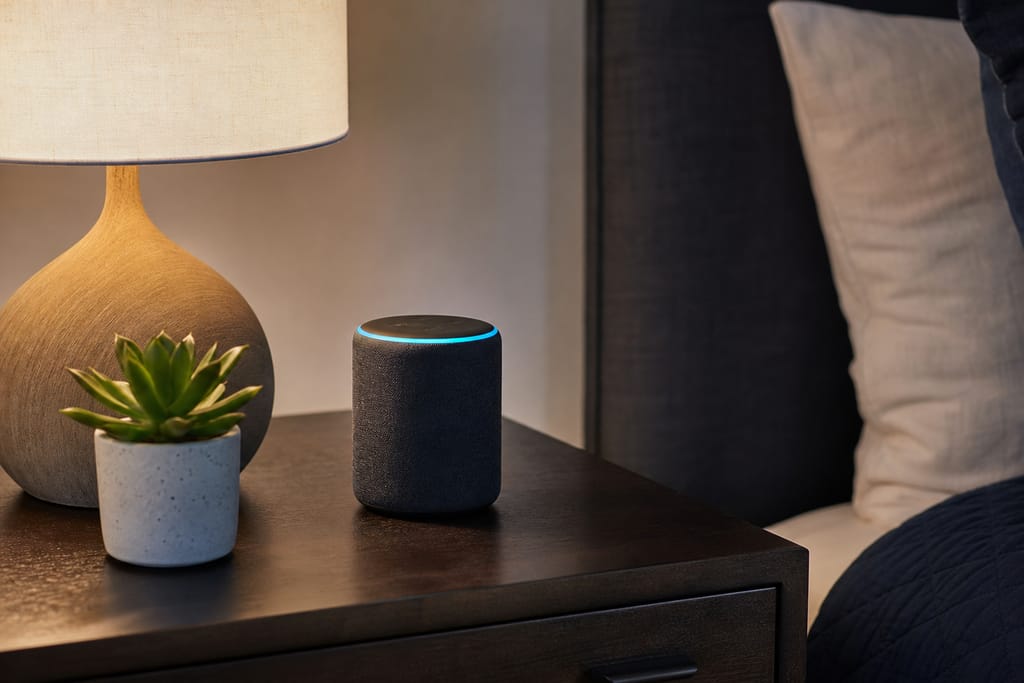
Routine Scripts
Pre-programmed sequences allow multiple actions from a single voice command, like a "good night" routine.
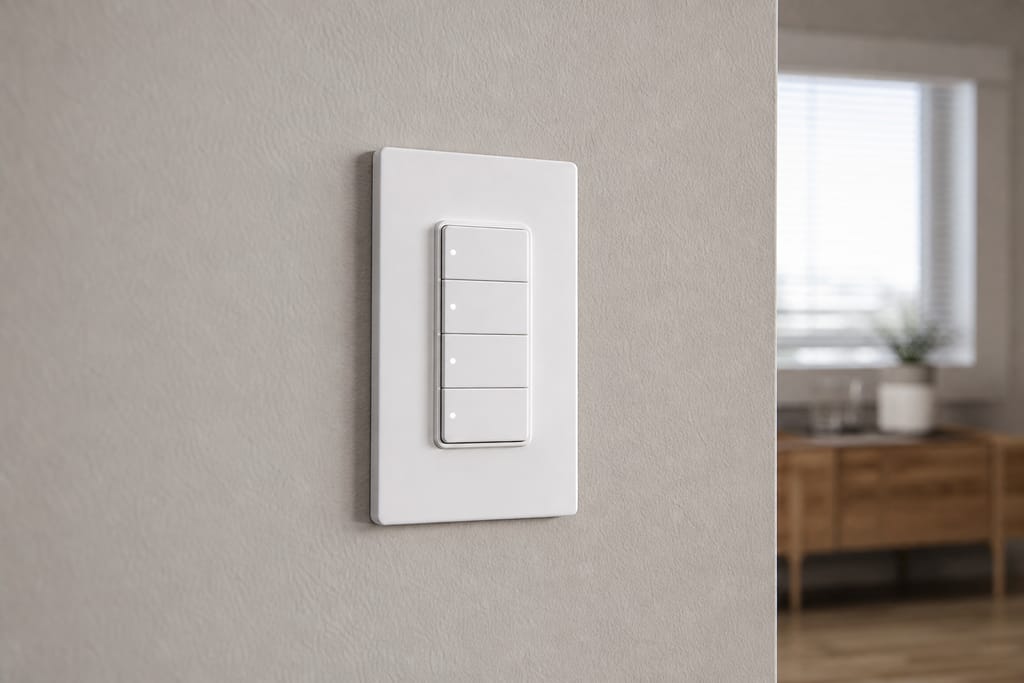
Wall-Mounted Controllers
Provide manual backup control alongside voice-activated commands for guests unfamiliar with the system.
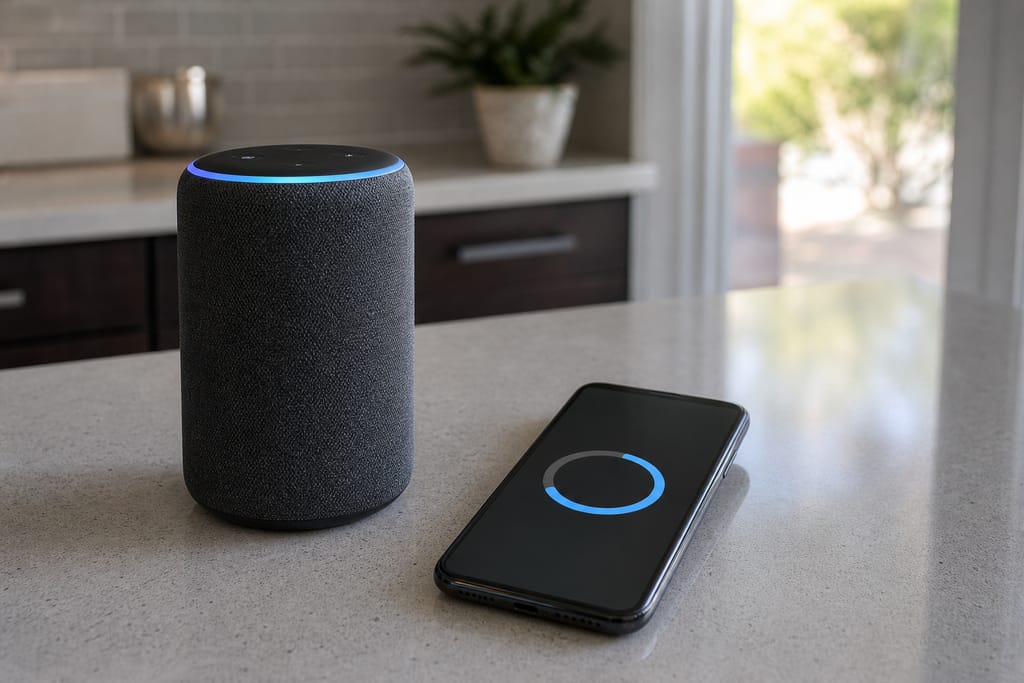
Firmware Updates
Keep voice assistant devices current with the latest compatibility features and security patches.
Questions on materials?
Get a Free EstimateBefore & after
Before and after Voice Control & Whole-Home Automation Setup
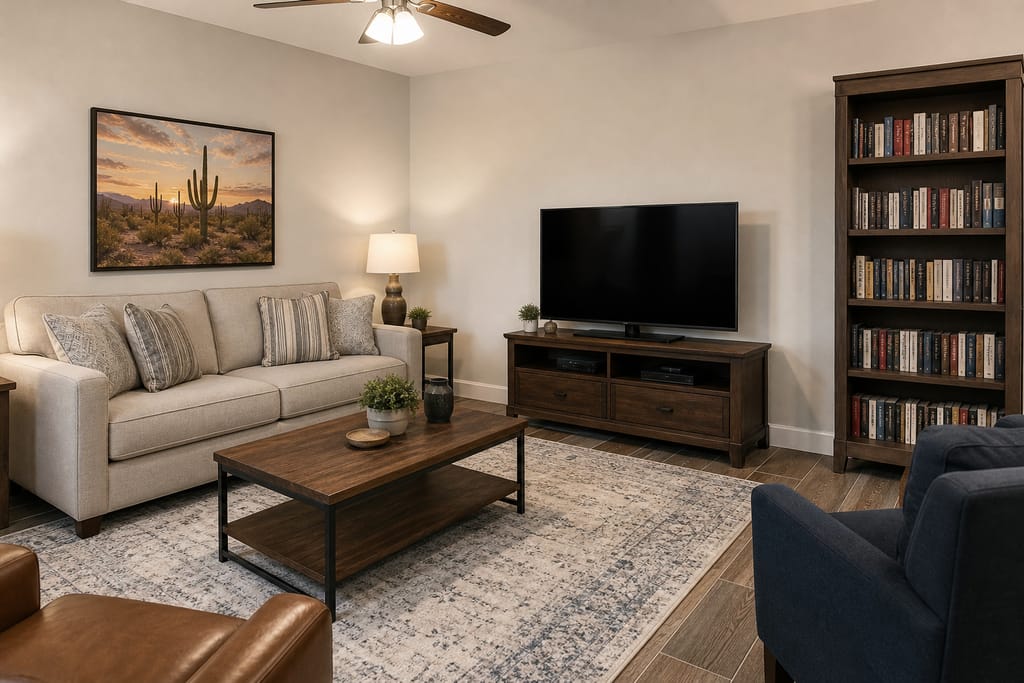
Before 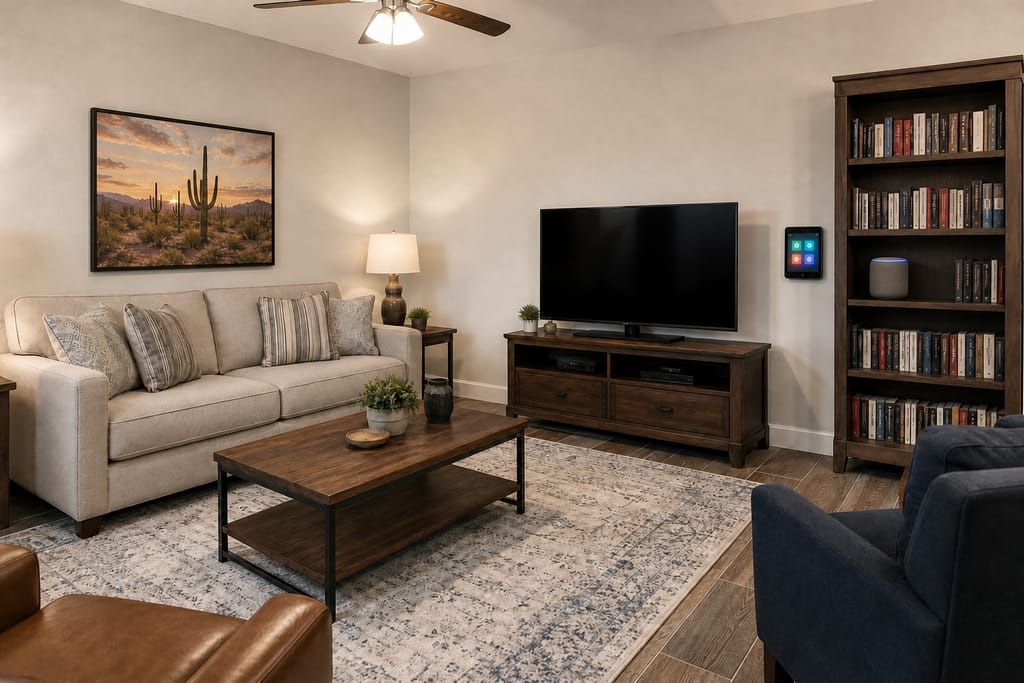
After
Codes & permits
Permits and codes for Voice Control & Whole-Home Automation Setup
Confirm with the City of San Tan Valley if voice setup is bundled with electrical or wiring work.
| Typically needs a permit | Often no permit |
|---|---|
| None; this work is low-voltage device pairing and programming | Speaker placement and setup |
| — | Device linking and voice command programming |
| — | Firmware updates |
Need help with permits?
Get a Free EstimateDIY vs pro
DIY vs hiring a pro for Voice Control & Whole-Home Automation Setup
| DIY | Hire a pro |
|---|---|
| Fine for pairing a single smart speaker with one or two devices | Needed once you want whole-house coverage across multiple brands |
| Manufacturer apps handle basic voice commands out of the box | A pro resolves voice conflicts between overlapping speakers and configures custom routines that go beyond basic on/off commands |
Not sure DIY vs pro?
Get a Free EstimateWhen to call
When to call for Voice Control & Whole-Home Automation Setup
Call (385) 555-0100 for a free estimate.
- Voice commands only work reliably in one room of the house.
- You've added several smart devices and want one voice platform to control all of them.
- Your current voice assistant doesn't recognize custom routines you want to create.
Seeing warning signs?
Get a Free EstimateFAQs
Voice Control & Whole-Home Automation Setup FAQs
Which voice platforms do you work with?
We work with Alexa and Google Home-class platforms, choosing based on which devices you already own and household preference.
How much does whole-home voice setup cost?
Pricing depends on speaker count and house size; ask for a free estimate for a number specific to your home.
Will voice commands still work without internet?
Most voice assistant commands rely on cloud processing, so they'll pause during an outage. Locally stored routines on a hub may still run.
Can I add voice control to a system I already have installed?
As long as your existing devices are on a supported platform.
How long does setup take?
A typical whole-home voice setup takes a single day for most homes.
Is DIY voice setup good enough for a small home?
For one or two rooms, yes. Whole-house coverage with multiple brands is where a pro avoids overlapping speakers and command conflicts.
More services
Other Smart Home Automation Installation services
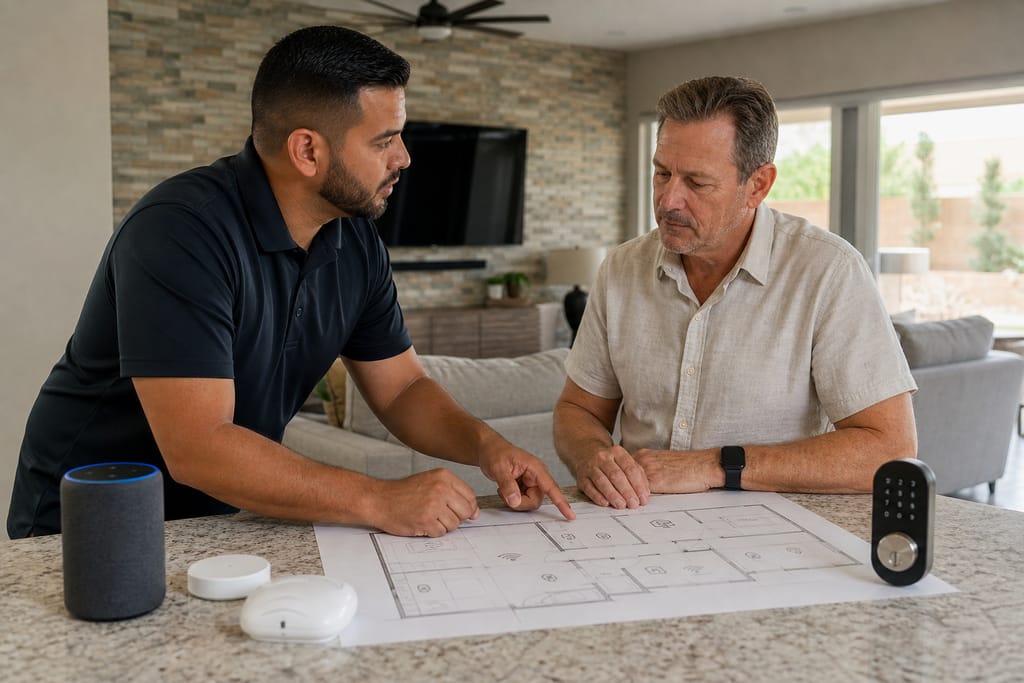
Smart Home System Design & Consultation
Smart home system design and consultation in San Tan Valley, AZ. Whole-house automation planning, device mapping, and free estimates.
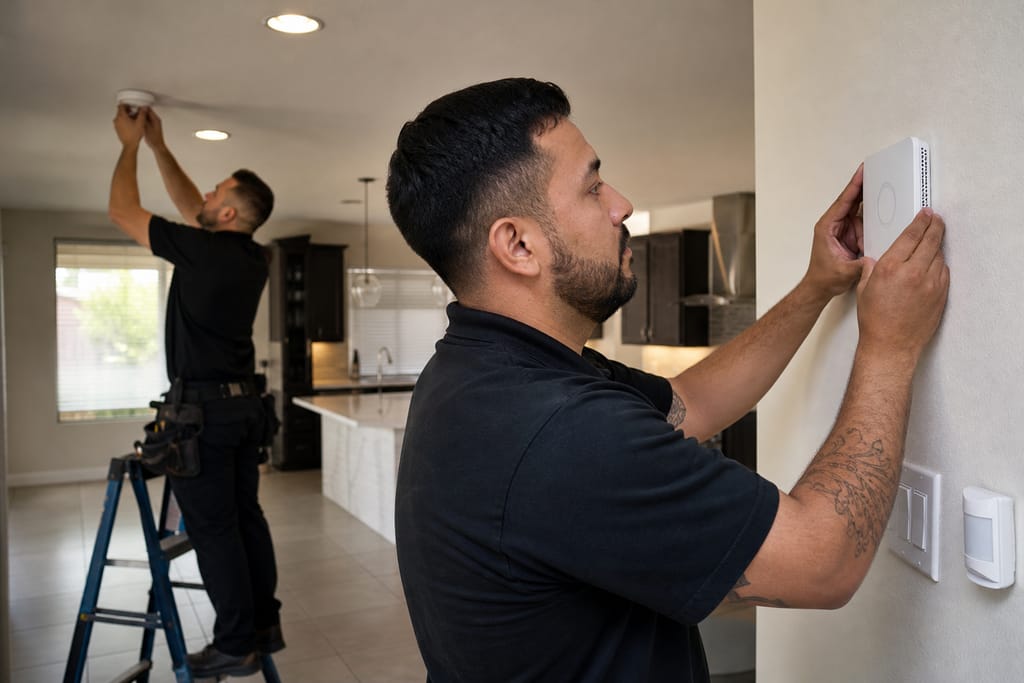
Home Automation System Installation
Home automation system installation in San Tan Valley, AZ. Hub setup, device pairing, and routine programming with free estimates.
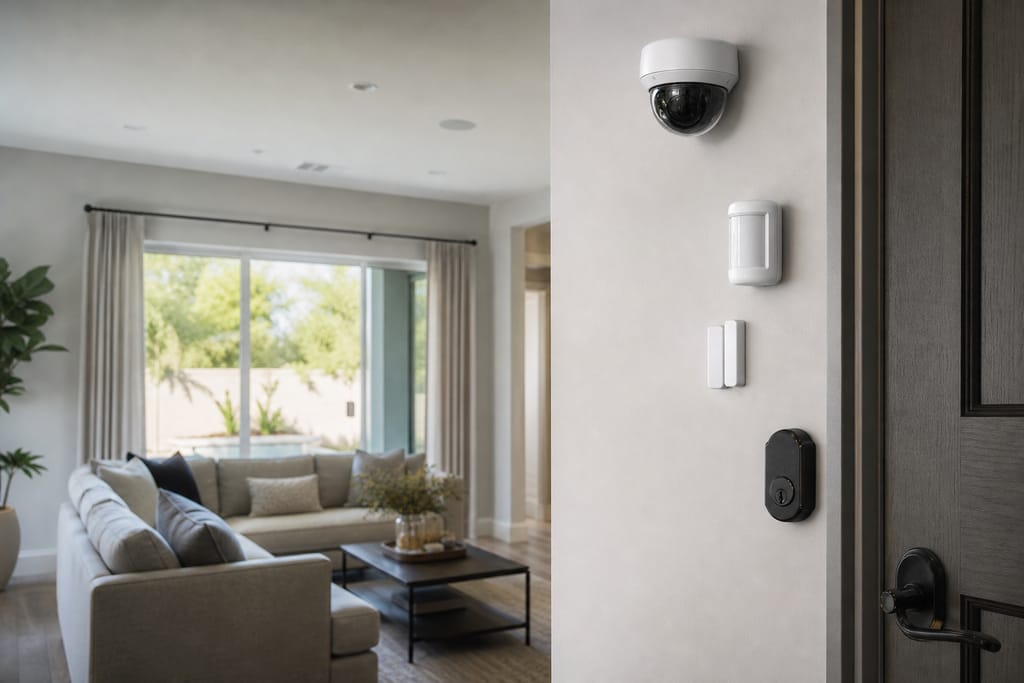
Security Integration (Cameras, Locks, Sensors)
Security integration for cameras, locks, and sensors in San Tan Valley, AZ. One monitored system with free estimates.
Ask about Voice Control & Whole-Home Automation Setup
Tell us about the project and how to reach you.