
Santan Smarthome Automation Pros
Networking & Wi-Fi Mesh Installation in San Tan Valley, AZ
Networking and Wi-Fi mesh installation in San Tan Valley, AZ. Mesh network setup, IoT segmentation, and free estimates.
- 15+ Years local experience
- 500+ Projects completed
- Licensed & Insured
Serving San Tan Valley and nearby communities.
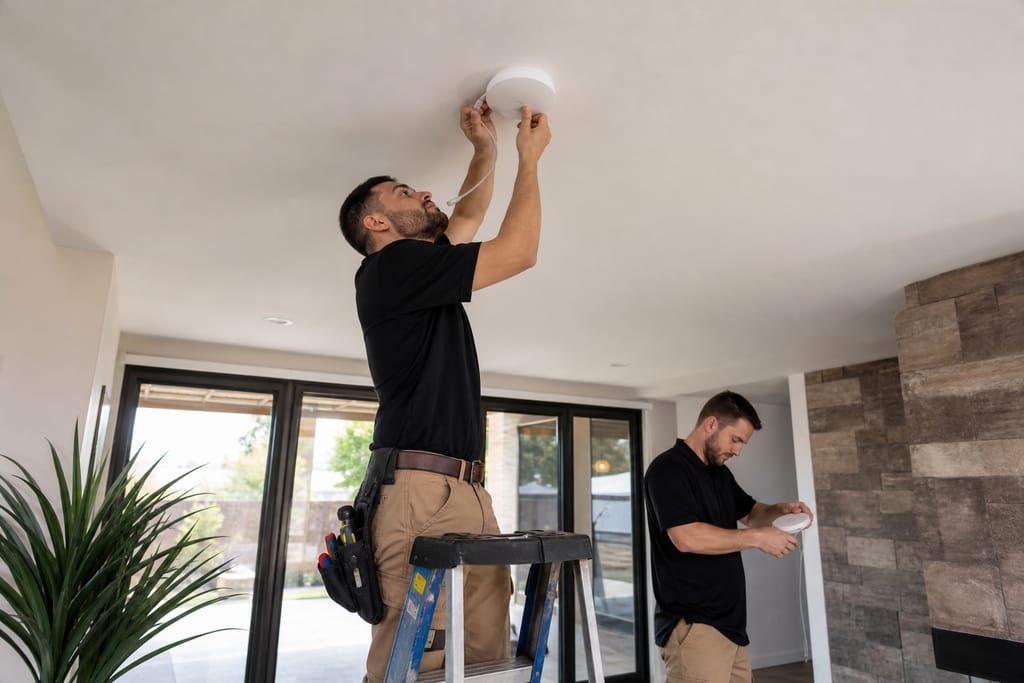
Networking & Wi-Fi Mesh Installation is the foundation every other automation service depends on. If a smart lock or camera keeps dropping offline, the network is usually the real problem, not the device. This service surveys existing Wi-Fi coverage, places mesh nodes to eliminate dead zones, and sets up network security so IoT devices aren't sitting on the same password as your laptop.
Santan Smarthome Automation Pros treats network security as a standard part of this service rather than a separate add-on, since a growing device count on one flat network is the most common way a smart home gets exposed.
What's included
What's included with Networking & Wi-Fi Mesh Installation
Typically included: Signal survey, mesh node placement, router configuration, network security setup (separate IoT/guest network), and a speed/coverage test.
Optional: Additional Ethernet backhaul cabling, network switch expansion, signal boosters for detached structures.
Customer prep: Note any rooms with known Wi-Fi dead spots and how many devices currently connect to your network.
Want a clearer scope?
Get a Free EstimateHow it works
How our Networking & Wi-Fi Mesh Installation process works
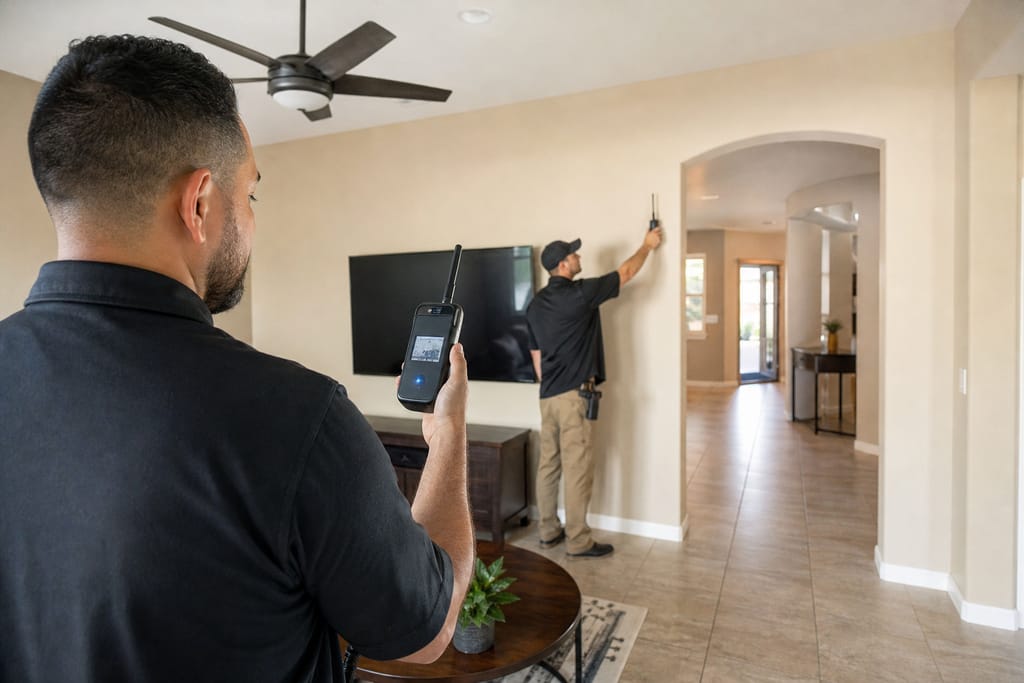 Step 1
Signal Survey
Wi-Fi strength is measured throughout the property to identify weak spots.
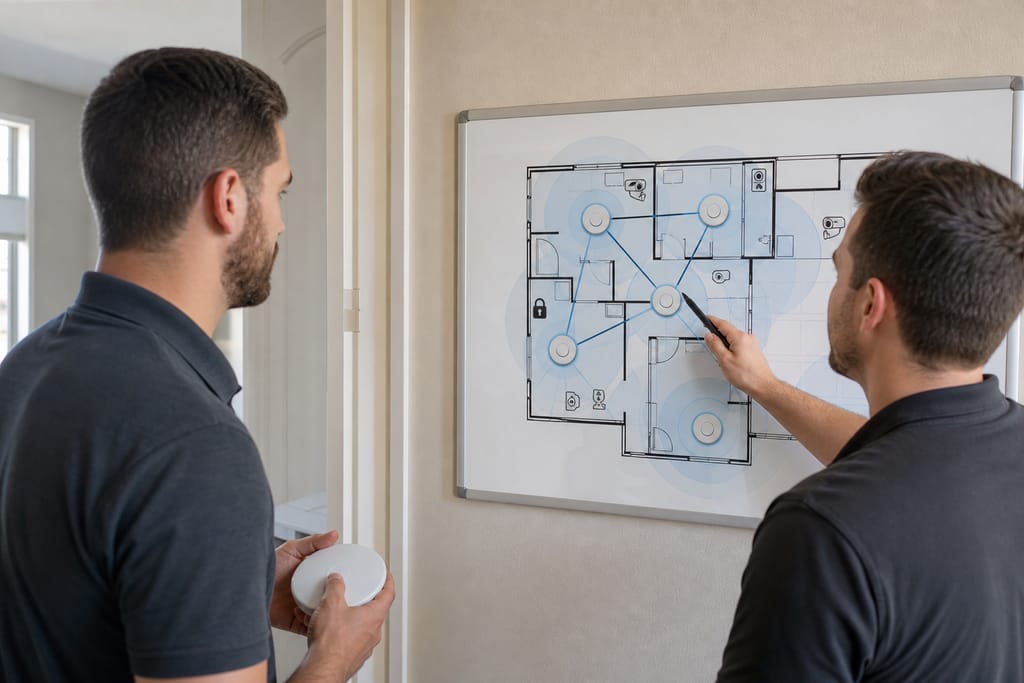 Step 2
Node Placement Plan
Mesh unit locations are mapped for maximum coverage and performance.
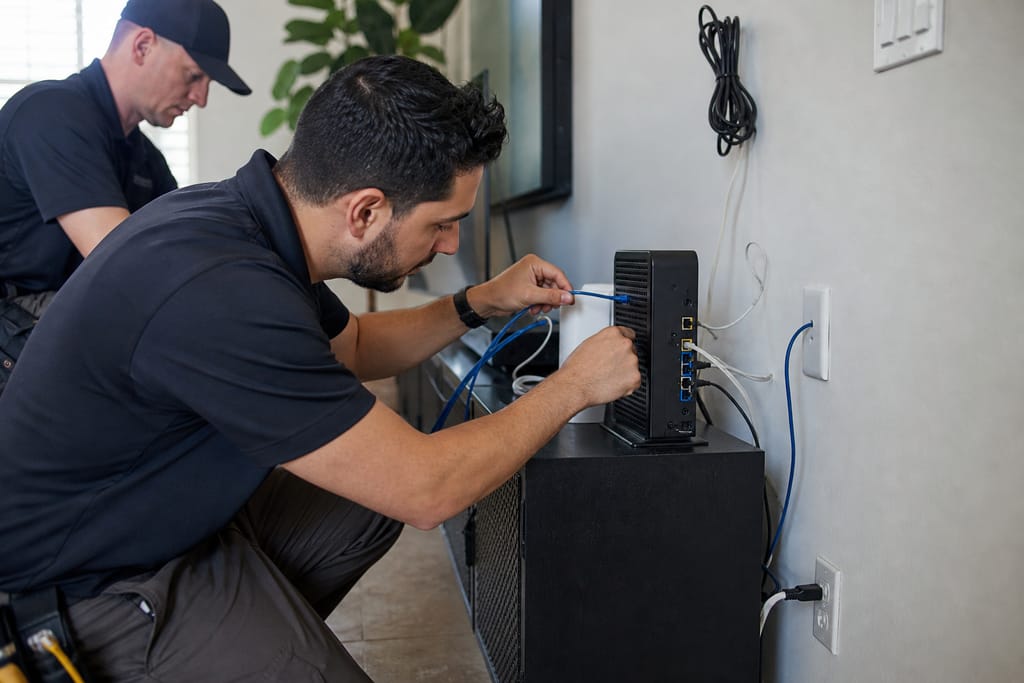 Step 3
Router Configuration
The primary router is configured to support mesh network expansion.
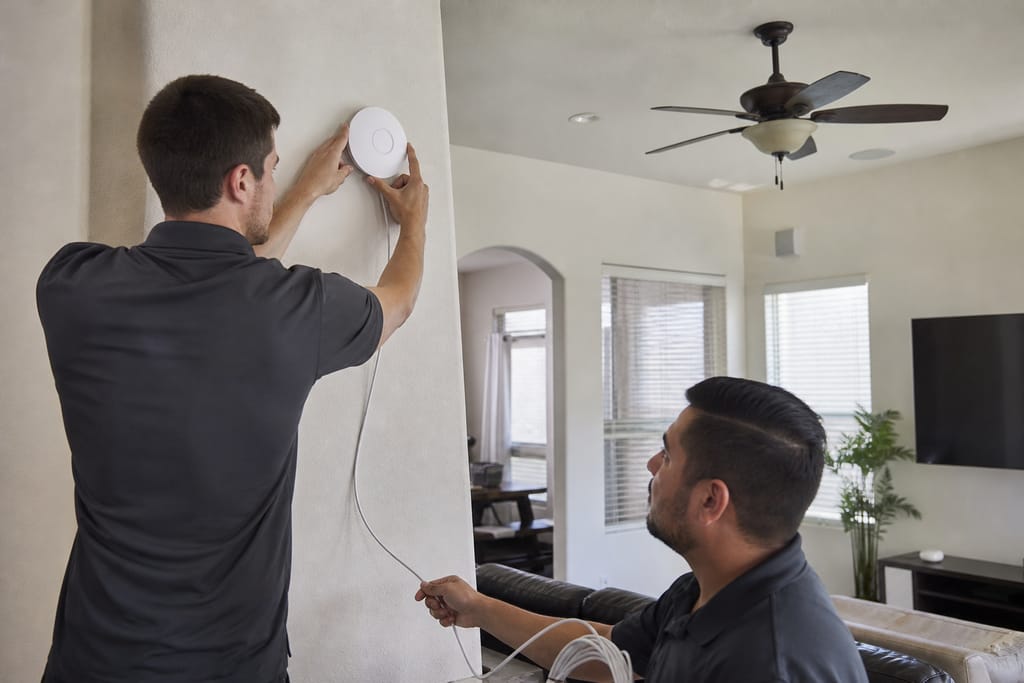 Step 4
Mesh Node Installation
Additional nodes are installed and synced to extend network coverage.
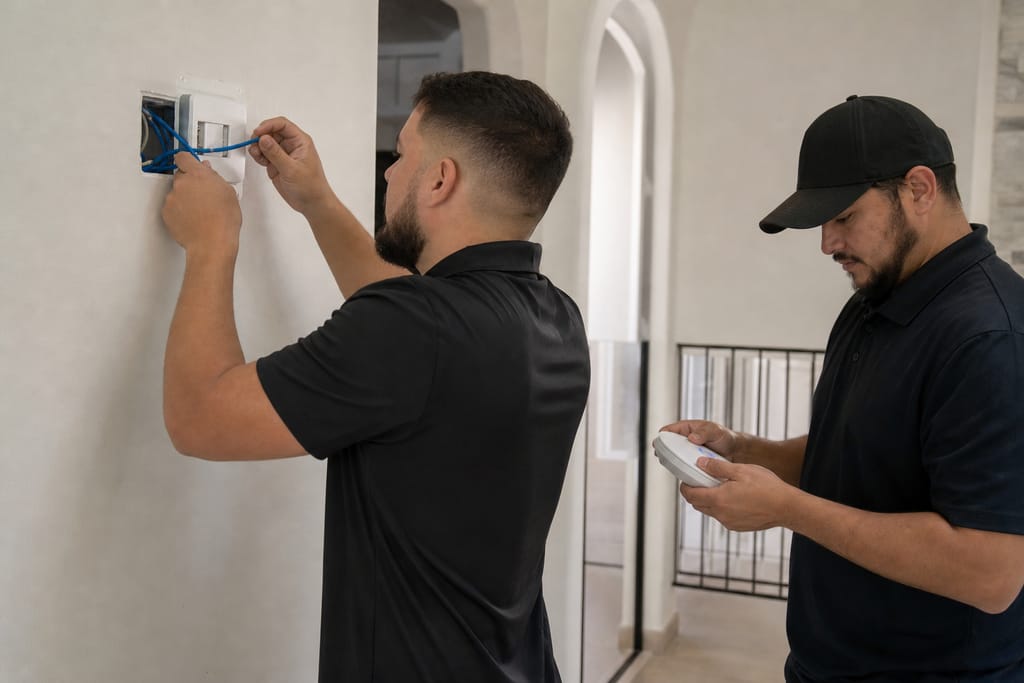 Step 5
Network Security Setup
Passwords, firewalls, and guest networks are configured for protection.
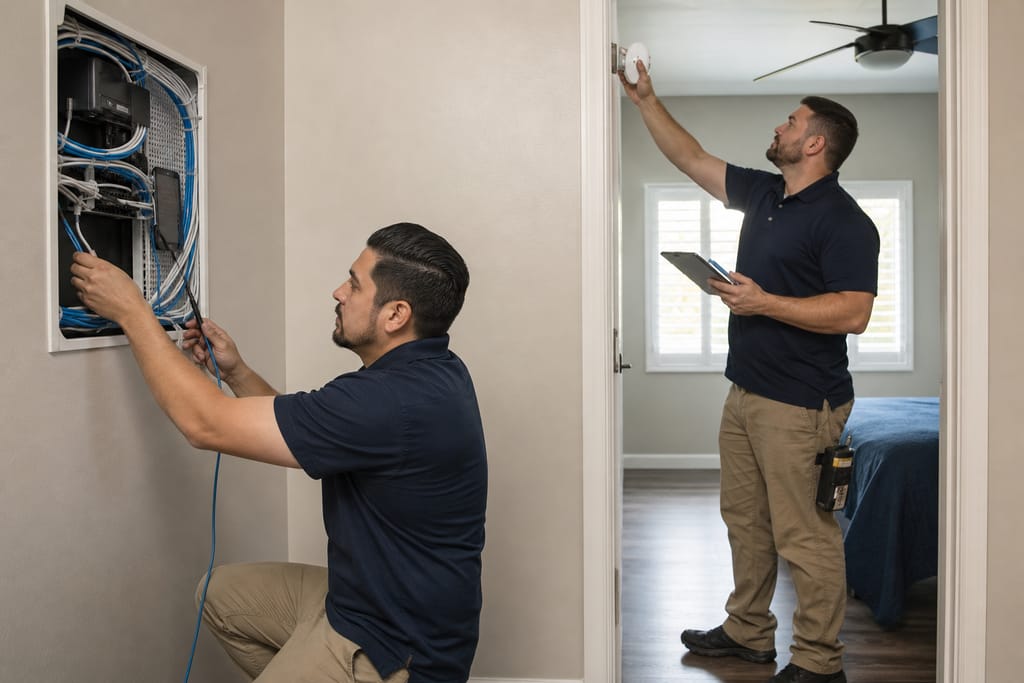 Step 6
Speed & Coverage Test
The network is tested in every room to confirm strong, stable connectivity.
Materials
Materials and methods for Networking & Wi-Fi Mesh Installation

Mesh Network Units
Multiple access points work together to eliminate Wi-Fi dead zones, especially useful in larger San Tan Valley homes with thick stucco walls.
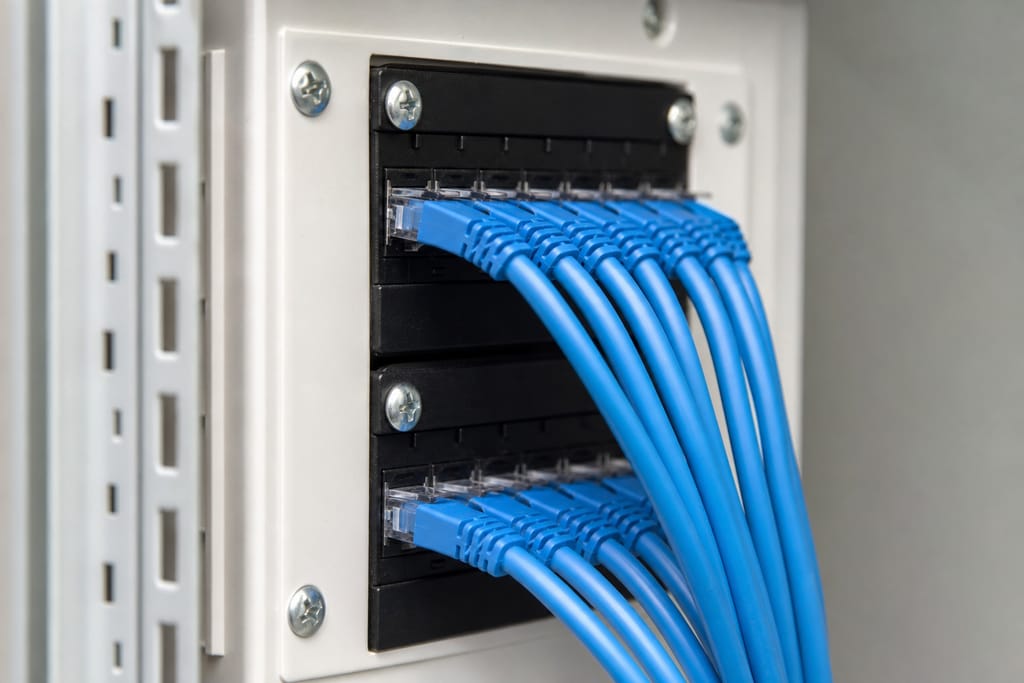
Ethernet Cabling
Wired connections provide stable backhaul support for mesh nodes, reducing wireless congestion.
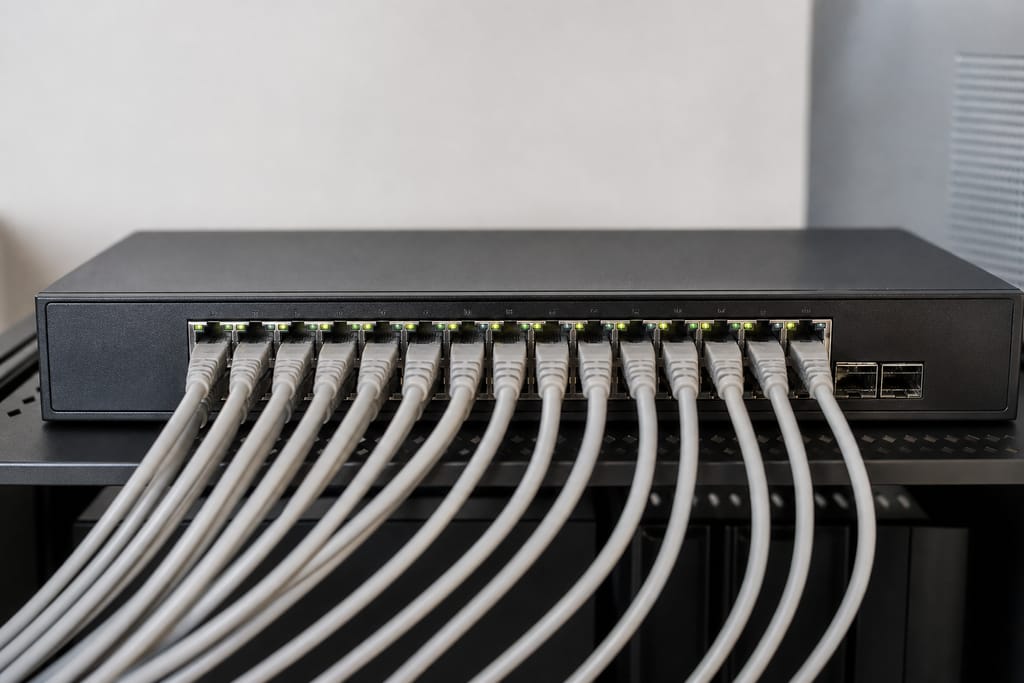
Network Switches
Expand available wired connections for additional devices and hardware as your system grows.
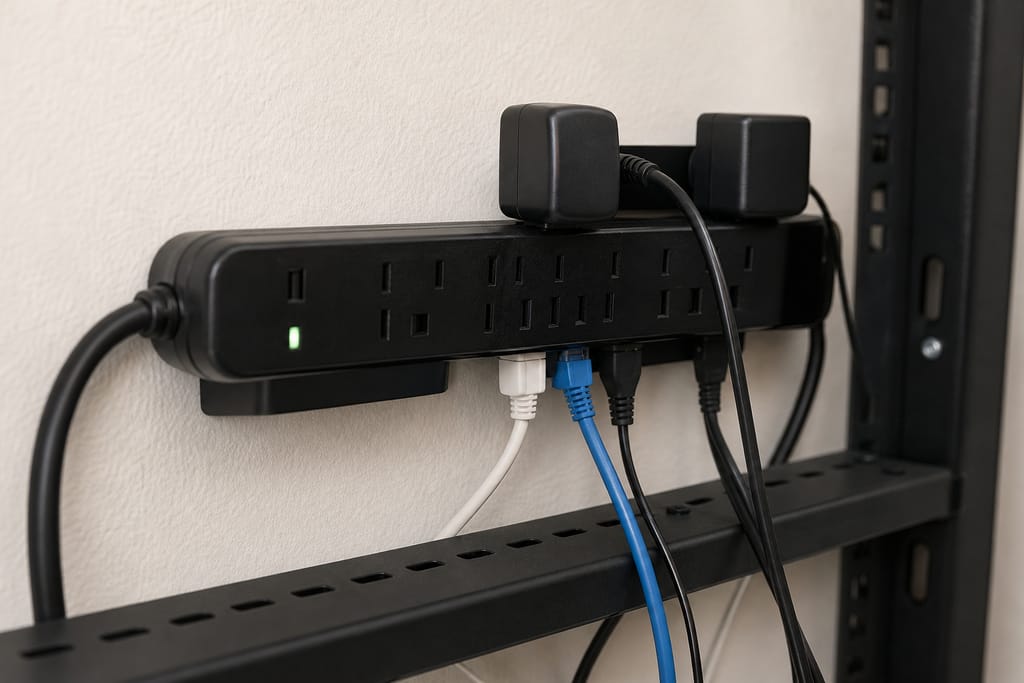
Surge Protectors
Shield networking equipment from power spikes, which matter during Arizona's summer monsoon season.
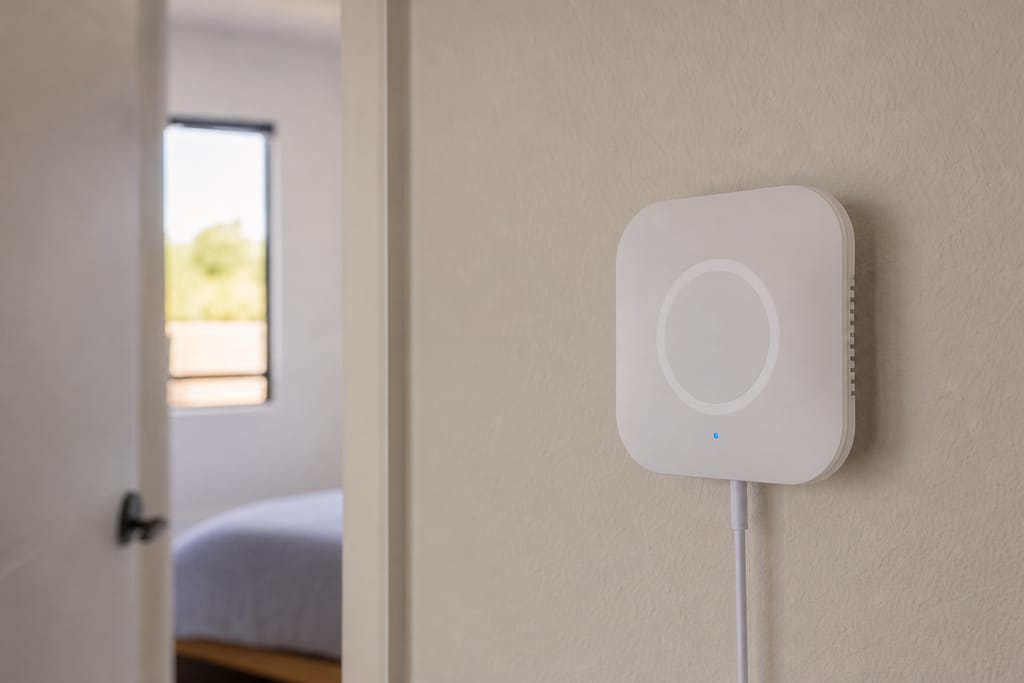
Signal Boosters
Extend wireless range in areas with weaker coverage, like detached garages or casitas.

Firewall Software
Protects the home network from unauthorized access, isolating IoT devices from personal computers and phones.
Questions on materials?
Get a Free EstimateTimeline
How long does networking & wi-fi mesh installation take?
- 01
Stage 1
Most homes get a stable mesh network set up in a single visit.
- 02
Signal survey
same day - 03
Node placement and installation
same day - 04
Security setup and testing
same daycompleted before the crew leaves
Need a schedule that fits?
Get a Free EstimateWhen to call
When to call for Networking & Wi-Fi Mesh Installation
Call (385) 555-0100 for a free estimate.
- Smart devices keep dropping offline or responding slowly.
- You're adding several new IoT devices and want them on a separate network from your personal devices.
- Certain rooms or outdoor areas have no reliable Wi-Fi coverage at all.
Seeing warning signs?
Get a Free EstimateFAQs
Networking & Wi-Fi Mesh Installation FAQs
How much does mesh network installation cost?
Pricing depends on home size and node count; most installs fall in a straightforward single-visit range. Ask for a free estimate.
How do I stop my smart devices from getting hacked?
Segmenting IoT devices onto their own network, updating firmware regularly, and using strong unique passwords are the core steps. We set this up as standard with every mesh installation.
Will this fix dead zones in my backyard or garage?
With additional nodes or signal boosters placed to extend coverage to those areas.
Do I need new wiring for a mesh network?
Not usually. Wireless mesh nodes work without new wiring, though Ethernet backhaul can improve performance if it's available.
How long does installation take?
Most homes are done in a single day, including security setup and testing.
Is DIY mesh network setup good enough?
Basic consumer mesh kits work fine for simple coverage gaps. Proper IoT segmentation and whole-home network security benefit from professional setup.
More services
Other Smart Home Automation Installation services
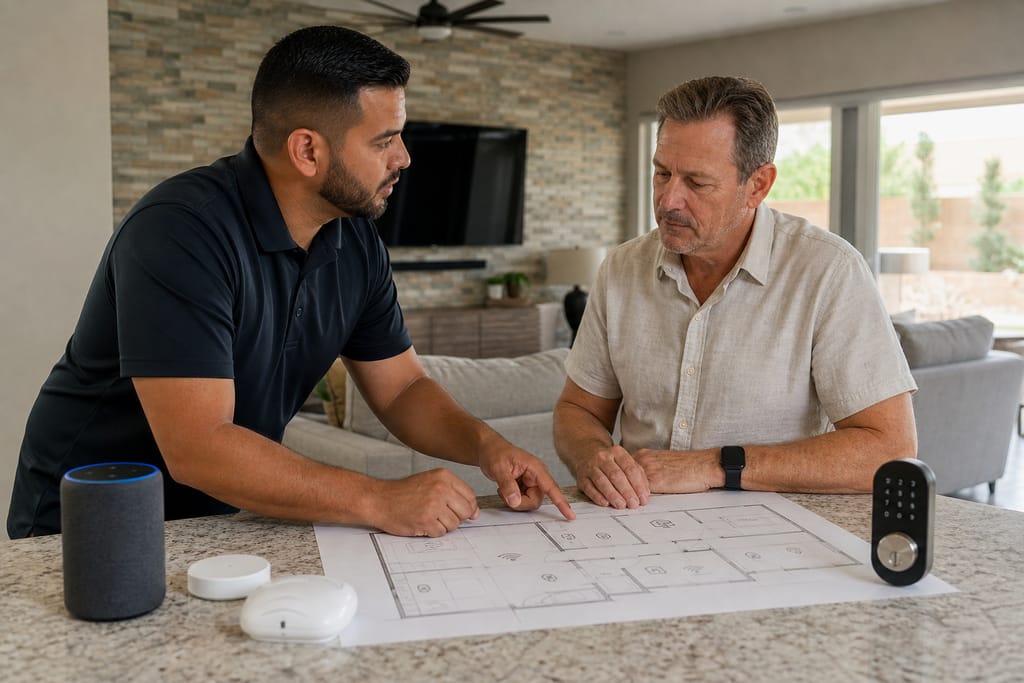
Smart Home System Design & Consultation
Smart home system design and consultation in San Tan Valley, AZ. Whole-house automation planning, device mapping, and free estimates.
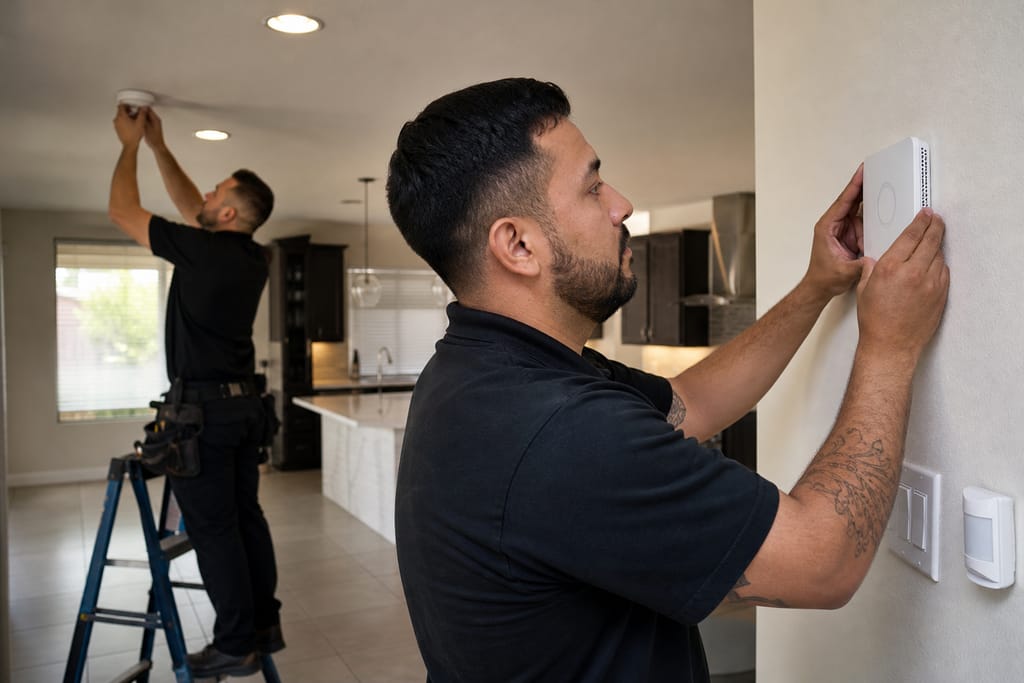
Home Automation System Installation
Home automation system installation in San Tan Valley, AZ. Hub setup, device pairing, and routine programming with free estimates.
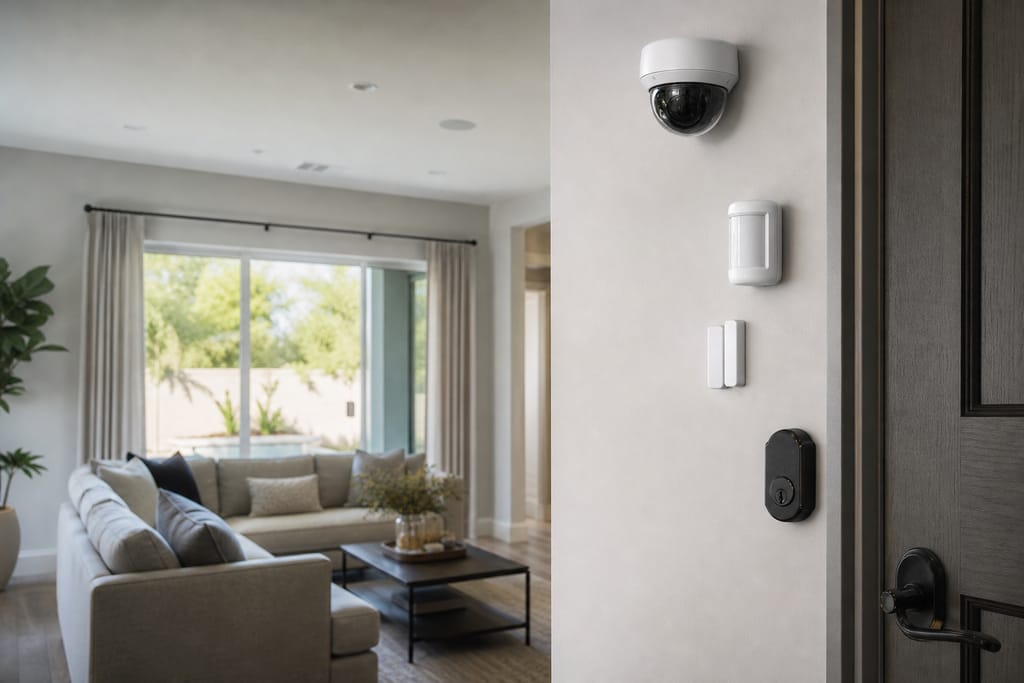
Security Integration (Cameras, Locks, Sensors)
Security integration for cameras, locks, and sensors in San Tan Valley, AZ. One monitored system with free estimates.
Ask about Networking & Wi-Fi Mesh Installation
Tell us about the project and how to reach you.